🤖 AI Tools & Platforms
HeyGen
AI video generation platform that creates videos with digital avatars and synthetic voice
Some links on this page are affiliate links. If you sign up through one we may earn a commission, at no extra cost to you.
About HeyGen
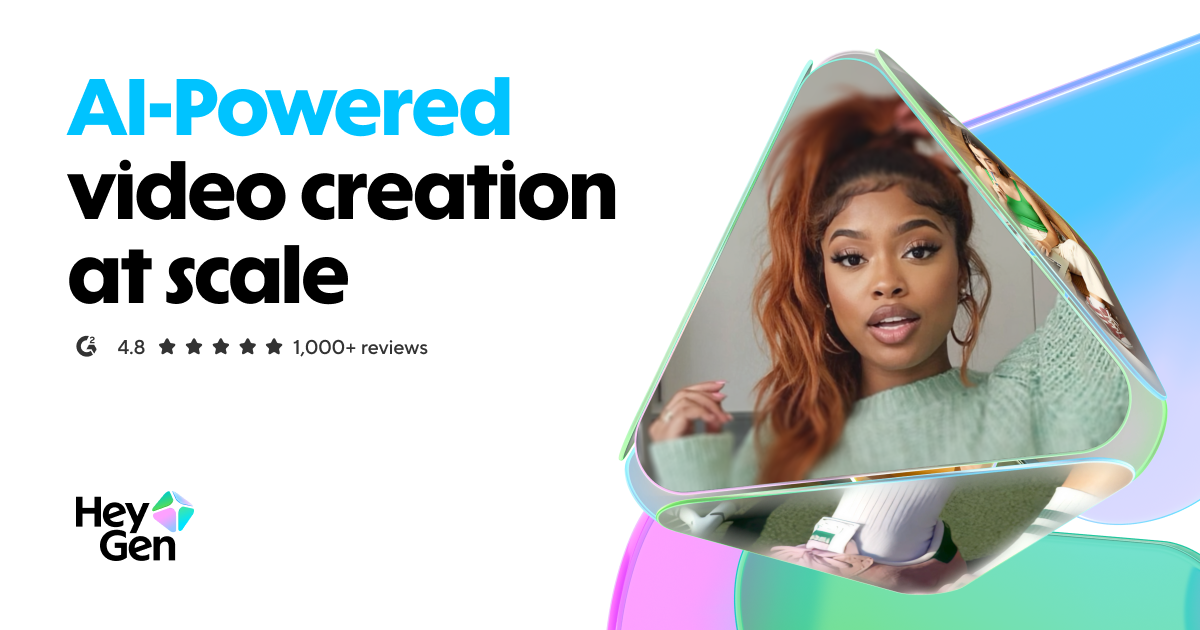
AI video generation platform that creates videos with digital avatars and synthetic voice
Key Features
- AI video
- Avatars
- Voice generation
HeyGen is listed in the AI Tools & Platforms category on Mega Deal. Alternatives in the same category are listed further down this page.
Pros
- The free plan is a real evaluation rather than a demo reel: three videos a month of up to one minute each, one Custom Digital Twin and access to more than 500 stock avatars, which is enough to see your own likeness speaking before any card is entered.
- Credit costs are published per minute per model, at 3 credits a minute for Avatar III, 20 for Avatar IV and V, 2 for dubbed translation and 5 for lip-synced translation, so you can work out your monthly output on paper before subscribing.
- Video Translate covers more than 175 languages and dialects with lip-sync and voice cloning, and from the Pro plan upward the translated script is editable rather than take-it-or-leave-it.
- AI Studio is script-driven with gesture and emotion controls, so directing a delivery means adjusting text and settings rather than reshooting, and Video Agent will take a single prompt and return a full video with motion graphics and B-roll.
- Source material can be a script, an image, an audio file, a PDF or a PowerPoint deck, so an existing deck can become a presented video without rebuilding it as a storyboard first.
- The Business tier adds the things a training department actually needs: SAML and SSO, interactive video, SCORM export and LMS integrations, alongside 60-minute videos and double the rendering concurrency of Pro.
Cons
- Credits are consumed at very different rates depending on the avatar model, with the newest Avatar IV and V costing around seven times per minute what Avatar III costs. That gives you real control over spend, but it means the 600 credits on Creator are either a great deal of video or roughly half an hour of it. If you would rather buy a flat number of finished videos per month regardless of model, Zebracat prices that way.
- The free plan keeps its watermark and caps videos at one minute, so it is built for judging quality rather than publishing. Anything going out to an audience starts at Creator, where watermark removal and 30-minute videos appear.
- Custom Digital Twins are allocated by tier, with five on Business and ten or more on Enterprise. One recurring presenter is well served lower down the range; a roster of several named people is a Business-tier decision and should be priced as one.
- HeyGen generates new footage from a script. If your raw material is hours of recording that already exists and needs cutting into short clips, Opus Clip is built around that loop, and Pictory is the better match for turning a written archive into stock-footage video.
In-Depth Review
HeyGen exists to solve one problem: you need a person on screen saying your words, and filming that person is not going to happen. No studio, no camera crew, no scheduling a presenter who is in a different timezone, or simply no willingness to be on camera at all. Everything else in the product follows from that premise. If your videos genuinely need a human presence and you cannot produce one on demand, this is the category and HeyGen is one of the strongest entries in it. If your videos are screen recordings, stock footage montages or clips cut from existing material, the avatar engine that justifies the price will sit unused.
Three kinds of avatar, and the difference matters
The platform offers avatars at three levels of commitment. Stock avatars number more than 500 and are available immediately, including on the free plan. Photo Avatars animate a still image into a talking photo, and on the Creator plan upward these are unlimited. Custom Digital Twins are a likeness built from your own recorded footage, which is what most people picture when they imagine an AI presenter of themselves.
The model tier is a separate axis. Avatar V is presented as the most realistic option, with character consistency across videos and learned movement and gesture, while earlier models render faster and far more cheaply. This distinction is not cosmetic: it is the single largest factor in what your subscription actually delivers, for reasons the credit section below makes clear.
How a video gets built
AI Studio is the main workspace and it is script-driven. You write or paste the script, choose an avatar and voice, and control gesture and emotion through settings rather than direction. Video Agent works at a higher level again: a single prompt returns a complete video assembled with motion graphics and B-roll. Alongside those, the converters accept text, images, audio, PDFs and PowerPoint decks, which means an existing slide deck can become a presented video without being rebuilt as a storyboard. Subtitles are automatic, a brand kit holds team styling, and an API exists for anyone generating video as part of a larger system.
Translation is a first-class product, not a bolt-on
Video Translate handles more than 175 languages and dialects with lip-sync and voice cloning, so a translated video keeps the presenter and the mouth movements rather than laying a foreign track over an English performance. On Pro and above the translated script can be edited before rendering, which matters for anyone whose product names, legal wording or technical terms should not be paraphrased by a machine.
Credits, and why they decide the plan
HeyGen publishes what each operation costs. Avatar III runs at 3 credits per minute of finished video. Avatar IV and V run at 20 credits per minute. Video translation costs 2 credits per minute for dubbing and 5 credits per minute when lip-synced. Read that table before reading the prices, because it converts a plan into an actual output figure. The 600 credits on Creator are a large amount of Avatar III video and a much more modest amount of Avatar V video. Anyone whose plan is to publish weekly using the newest model should do this arithmetic first rather than discovering it in week three.
Plans, checked August 2026
Free is 0 dollars and gives 3 videos per month at up to one minute each, one Custom Digital Twin, more than 500 stock avatars and over 30 languages, with standard processing and a watermark that cannot be removed. Creator is 29 dollars per month, or 24 on annual billing, and provides 600 credits per month, videos up to 30 minutes, 1080p export, unlimited Photo Avatars, one voice clone, 175-plus languages, credit rollover and watermark removal. Pro is 49 dollars per month with 1,000 credits, 4K export, unlimited voice clones, editable translation scripts and access to the advanced AI models. Business is 149 dollars per month plus 20 dollars per seat, adding 1,500 credits, videos up to 60 minutes, five Custom Digital Twins, double the concurrency of Pro, team collaboration, SAML and SSO, interactive video, SCORM export and LMS integrations. Enterprise is quoted individually and removes duration limits, provides ten or more Custom Digital Twins, multi-workspace control, SCIM provisioning and a dedicated success manager.
Who this fits
The clearest fits are training and enablement teams who need a consistent presenter across dozens of modules, product marketers shipping the same announcement in eight languages, and solo operators who want a professional presenter without being one. The free tier is unusually honest about what the product does, and one minute of your own digital twin will settle the question of whether the output is good enough for your audience faster than any review will.
The weaker fits are equally clear. If your content is screen capture and voiceover, an avatar adds cost without adding much. If you already have hours of footage that needs cutting rather than creating, this is the wrong end of the pipeline. And if the deciding factor is a flat, predictable number of videos per month, a credit system that varies sevenfold by model will always feel like guesswork. HeyGen is worth its price when a human face on screen is the point of the video rather than a decoration on it.
Why Choose HeyGen?
The case for HeyGen
Choose HeyGen when the video needs a person and producing one is the constraint. It is the strongest position in this category: more than 500 stock avatars, unlimited Photo Avatars from Creator upward, and Custom Digital Twins built from your own footage, all driven from a script rather than a shoot. Add translation into more than 175 languages with lip-sync and cloned voice, and one recording session becomes a library that ships in every market you sell into.
Work the credit table before the price list
The most useful thing to do before subscribing is convert credits into minutes. Avatar III costs 3 credits per minute, Avatar IV and V cost 20, dubbed translation costs 2 and lip-synced translation costs 5. Against that, Creator at 29 dollars a month carries 600 credits with watermark removal, 1080p and one voice clone; Pro at 49 dollars carries 1,000 credits with 4K, unlimited voice clones and editable translation scripts; Business at 149 dollars plus 20 per seat carries 1,500 credits, 60-minute videos, five Custom Digital Twins, SSO, SCORM export and LMS integrations. Pricing checked August 2026. The free plan gives 3 one-minute videos a month with a watermark, which is enough to judge the output before spending anything.
Who should look at something else
If your source material is hours of existing recording and the job is cutting it into short vertical clips, Opus Clip is built for exactly that and HeyGen is not. If you are converting written archives, decks and documents into stock-footage video with voiceover, Pictory is the closer fit. If you want a fixed number of finished social videos per month rather than a credit balance to manage, Zebracat prices by video count. And if you only need the voice and not the face, a dedicated speech tool such as ElevenLabs solves that at a fraction of the cost.
HeyGen is the answer when the face is the product. Training libraries, multilingual launches and personal brands built on a presenter are where it pays for itself.
Scan to open HeyGen on your phone
This QR code opens the same HeyGen link as the buttons on this page. Point your phone camera at it to continue on mobile.
Competitors & Alternatives
How HeyGen compares with the other AI Tools & Platforms programs listed on Mega Deal. Every row links to that program's own page.
| Tool | What it does | Key features |
|---|---|---|
| HeyGen (this page) | AI video generation platform that creates videos with digital avatars and synthetic voice | AI video, Avatars, Voice generation |
| AdCreative.ai | Generate conversion-focused ad creatives using AI, #3 fastest growing product worldwide | AI ads, Creative generation, High rewards |
| Colossyan | AI video generator that turns scripts and documents into presenter-led videos | AI video, Text to video, Training content |
| ElevenLabs | AI Audio platform making content accessible in any voice and language | Text-to-speech, Voice cloning, AI audio |
| BLACKBOX AI | AI-powered coding assistant that helps developers write and optimize code faster | AI coding, Code search, Developer tools |
| Gamma | AI design partner for creating presentations, websites, and social media at speed of thought | AI presentations, Design, No-code |
| Murf AI | Cloud-based text-to-speech with 120+ realistic voices in 20+ languages | Text-to-speech, 120+ voices, Cloud-based |